Healthcare · symplr
From Burden to Balance
How UX Made AI Scheduling Work

Background
As part of a company-wide initiative to explore AI in our products, I assisted with a five-day design sprint and led the subsequent UX efforts to test where AI could meaningfully improve clinical workflows. One of the most pressing challenges we identified was the time-intensive process of staff scheduling —a task that requires precision, fairness, and constant adjustment.
Read More Here:
- https://www.symplr.com/platform/ai-in-healthcare The data presented in this study has been changed and portions of the user interface have been updated to comply with the business’ confidentiality agreement.
Pre Work
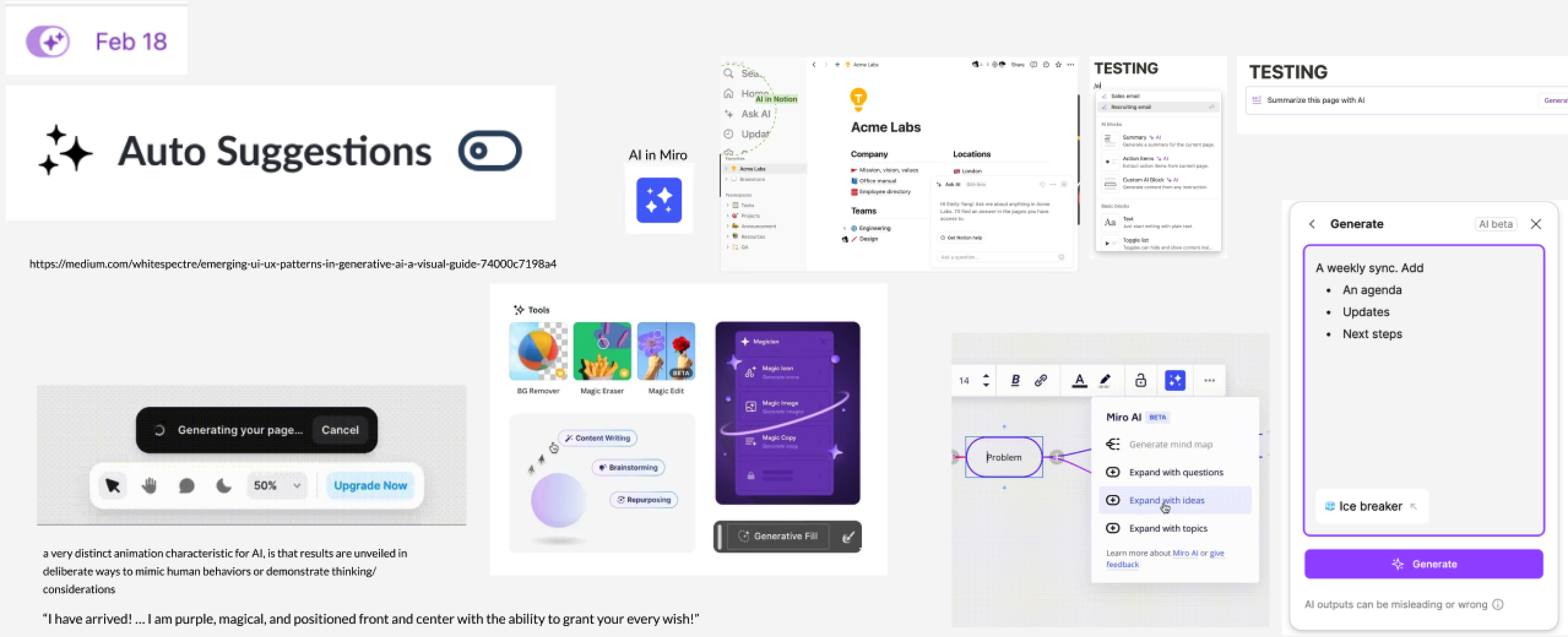
In the days leading up to the workshop, I conducted a rapid competitive analysis of AI patterns, researched and documented existing workflows, and prepped Miro boards to structure collaboration. This work provided clarity, alignment, and a reusable design pattern that guided both the workshop and future company applications. All of this was completed in just a few days under tight timelines, ensuring the team entered the workshop aligned, prepared, and ready to make meaningful progress.
The On-Site
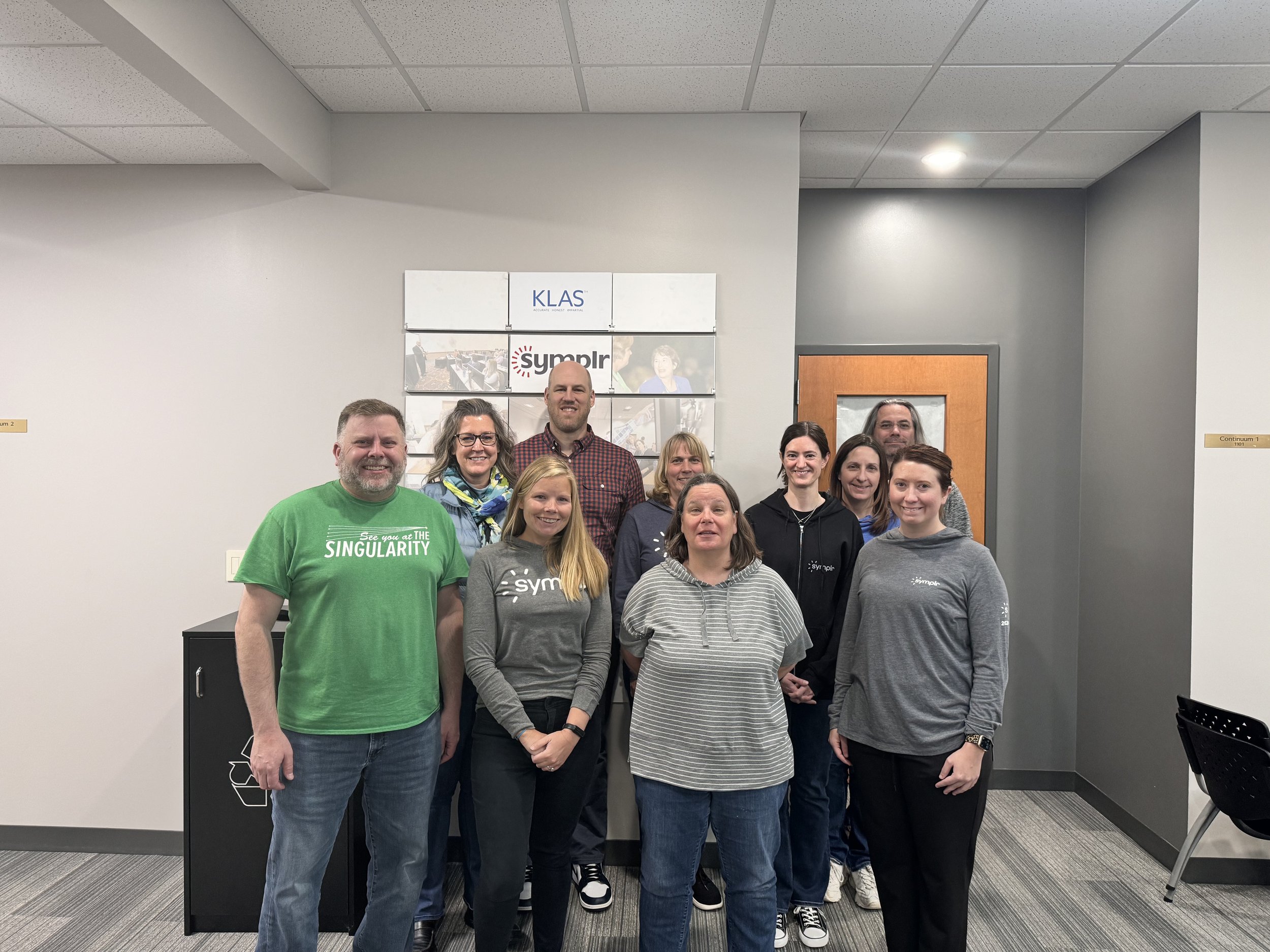
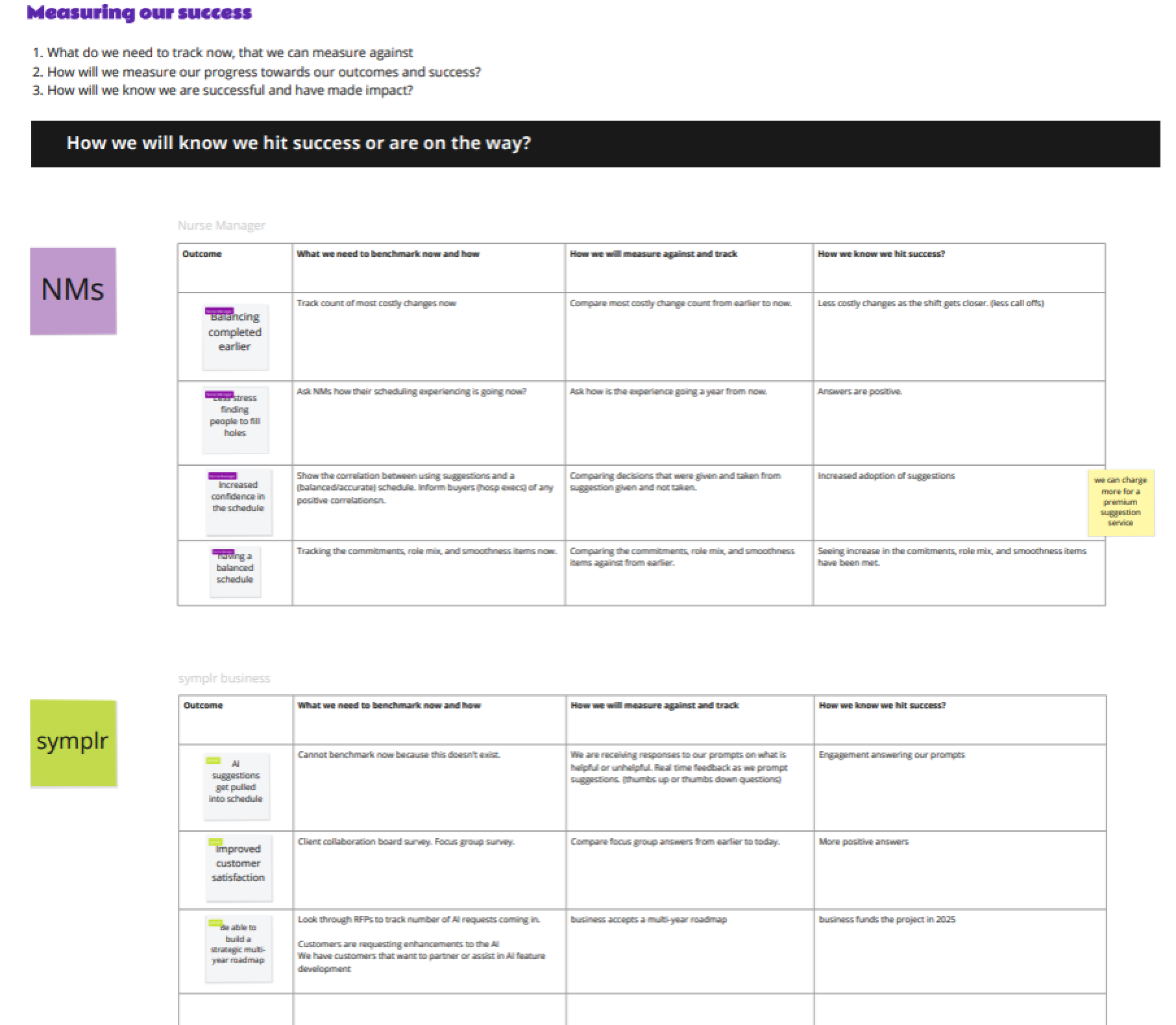
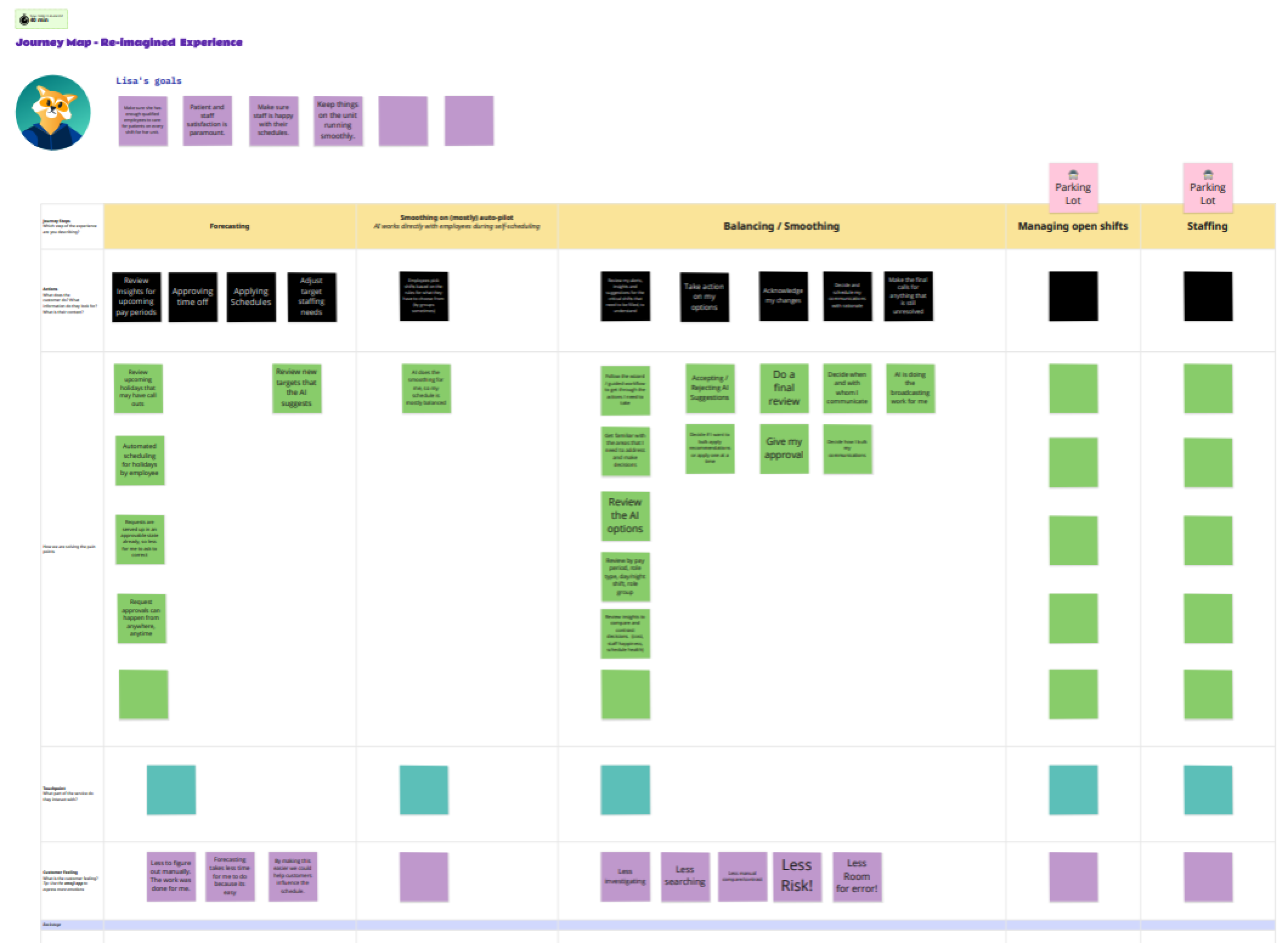
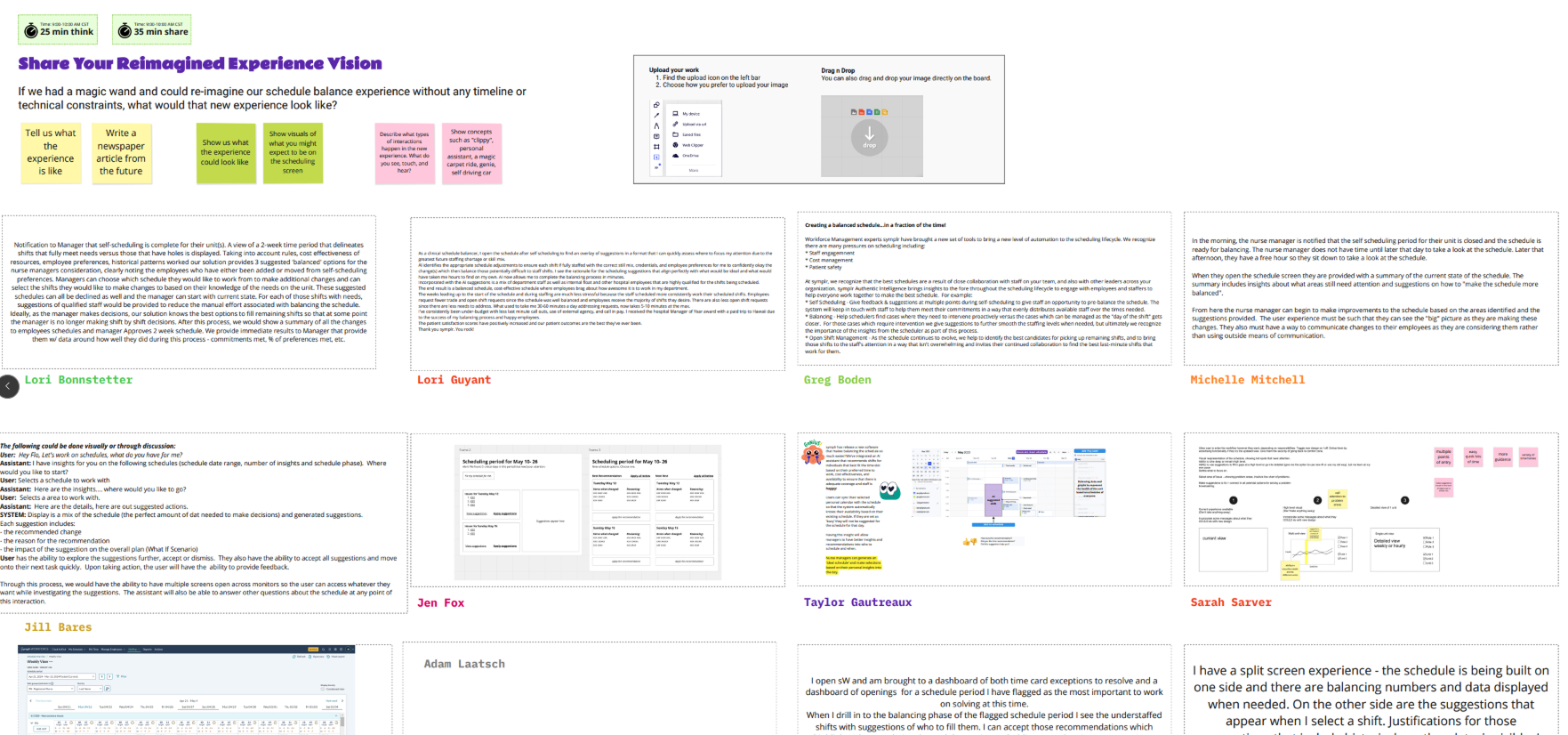
I helped lead a five-day workshop with a mixed group—most joined online, a few in person. I kept the schedule on track to ensure effective teamwork. We created the ideal user journey, recorded workflows, set a shared vision, and agreed on success measures with clear steps. By the end, we found three possible ways to add AI to the symplr Scheduling app, with initial design ideas for each.
Post Workshop
I took ownership of the end-to-end UX process after the initial on-site workshop led by my manager Jen Fox, which included:
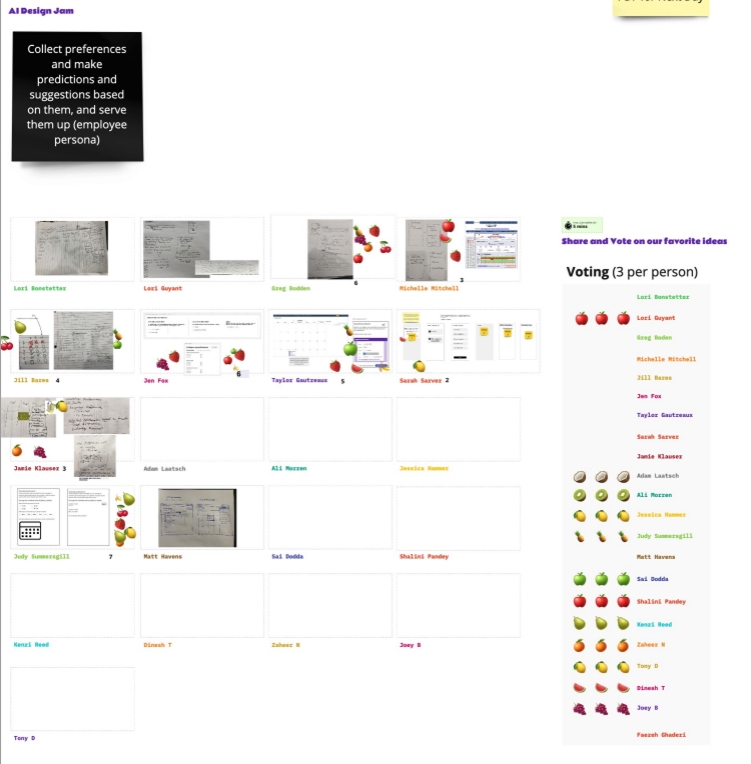
- Led additional workshops & design jams with stakeholders and leadership to define AI opportunities and success metrics.
- Synthesizing research insights & artifacts into early design concepts.
- Partnering with research to test concepts in multiple rounds of user studies.
- Collaborating with the design system team to align AI interactions with emerging industry patterns.
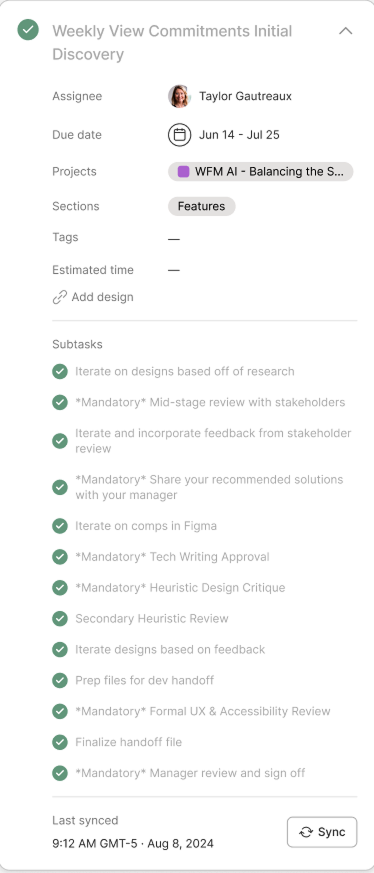
- Iterating on designs based on user feedback and preparing deliverables for engineering handoff.
My focus was not only on creating the right solution but also on advocating for UX’s role in building trust and usability into AI-powered workflows.
AI Solution
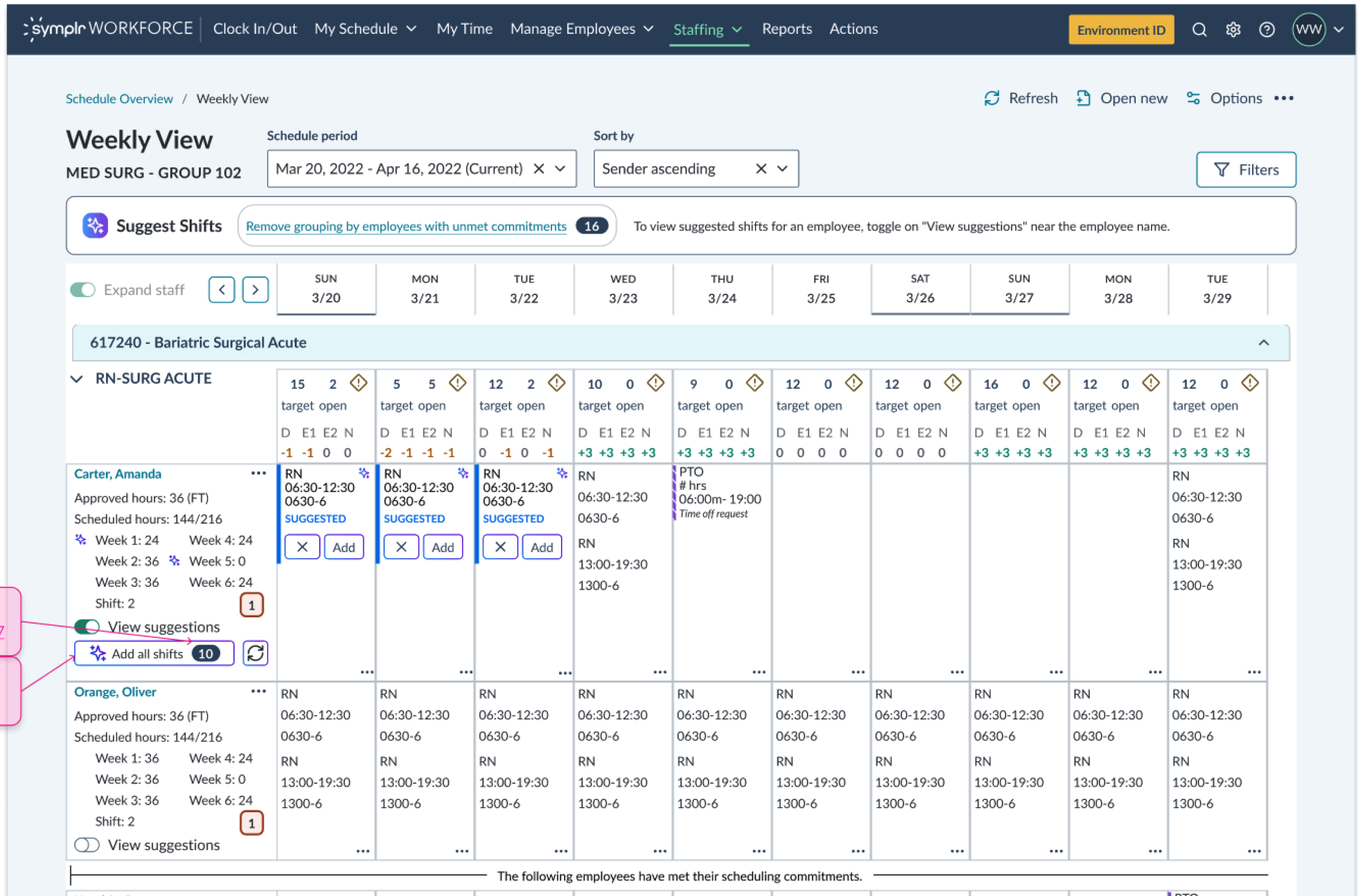
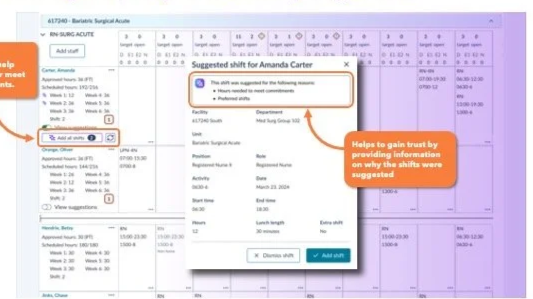
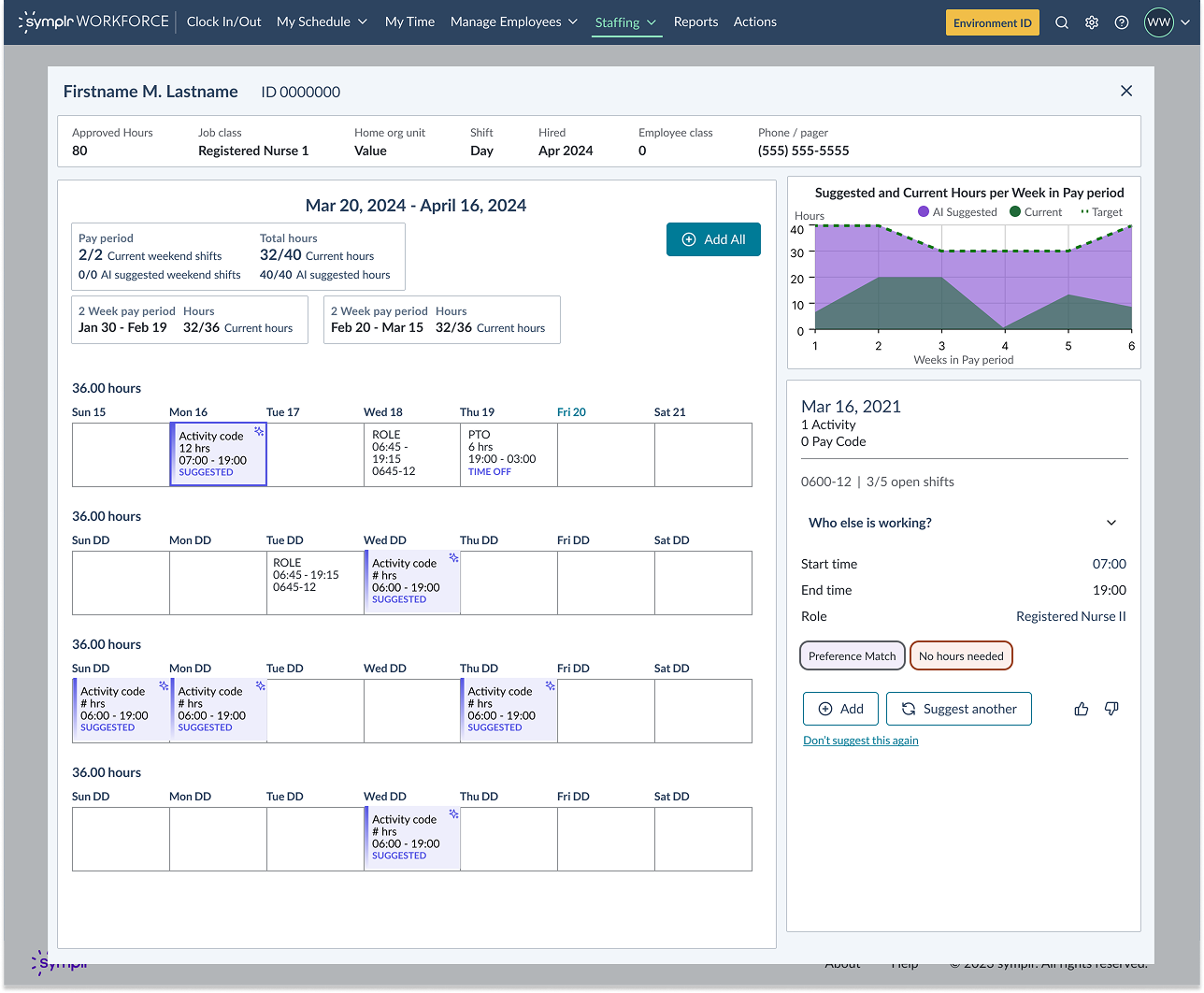
At the end of the day, we designed a feature that uses AI to suggest optimal shift assignments, balancing staffing levels while considering employee preferences and historical patterns. The goal:
- Reduce manual scheduling time for supervisors.
- Improve accuracy and fairness of shift assignments.
- Give staffers more control with adjustable thresholds for AI recommendations.
Research & Learnings
We conducted three rounds of concept testing, using static screens and surveys with clinical schedulers.
Key questions:
- Would staffers trust AI to make scheduling suggestions?
- What controls would increase confidence?
- What preferences and data points are most important in scheduling decisions?
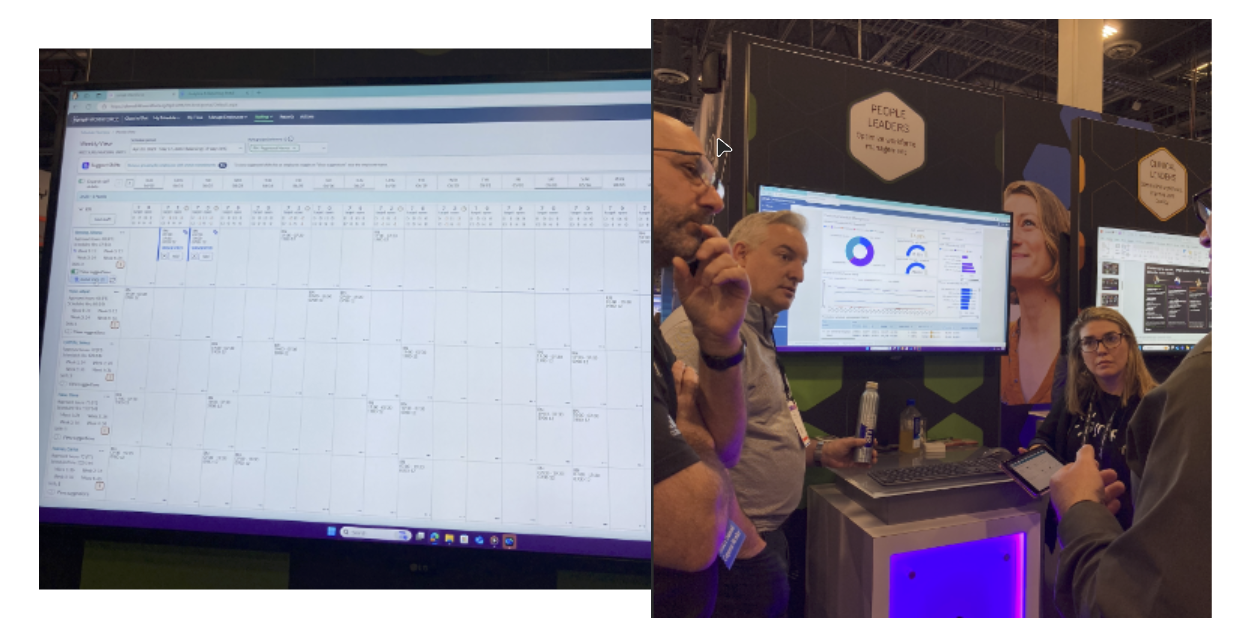
The designs were also shared by Sales representatives and Product partners to potential customers at the HIMMS (Healthcare Information and Managment Systems Society) conference in October of 2024 for feedback and suggestions.
Key Learnings
- High perceived value: All participants agreed AI suggestions could save time and effort.
- Control builds trust: Users wanted visibility into how AI made decisions and the ability to fine-tune thresholds.
- Skepticism remains: Staffers emphasized the need to see AI “prove itself” before fully relying on it.
Impact & UX Success
- Validated the opportunity: Research confirmed AI scheduling could significantly reduce workload.
- Informed product direction: Findings shaped the roadmap to focus on transparency and controls.
- Advanced AI design standards: Partnered with the design system team to define reusable patterns for AI interaction.
- Improved stakeholder alignment: Workshops and iterative reviews ensured leadership and product teams stayed connected to user needs.
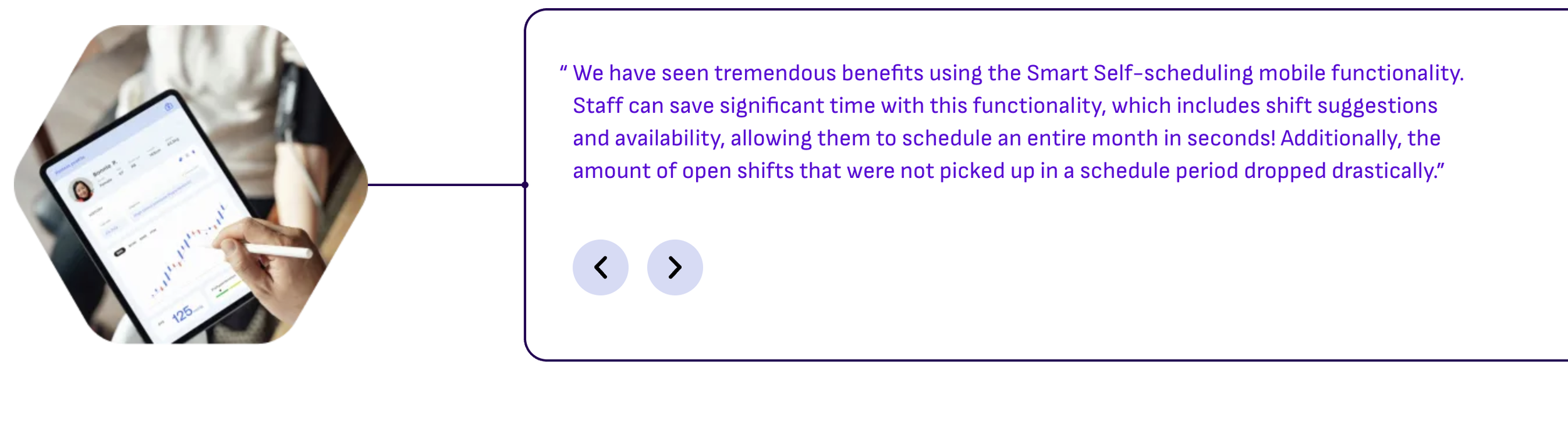
Users reported that this new functionality saved them hours in scheduling time reducing it down to seconds when scheduling their staff for the month. That’s a huge win!
Conclusion
This project demonstrated that UX plays a critical role in building trust in AI-powered tools. By validating concepts early and centering user control, we positioned AI scheduling not as a “sparkly add-on,” but as a practical, trusted assistant to overworked clinical staff.
Future work will focus on integrating real organizational data, refining controls, and ensuring transparency—laying the foundation for AI that healthcare professionals can depend on.